When working with Windows Server AppFabric you will during development time definitely have a need to clean up all some kind of events. To do this you can use PowerShell scripts.
However my personal favorite solution is using of T-SQL. Because T-SQL is not recommended way to clean up events from AppFabric database, be careful if you use pragmatic recommendations in this post.
How to clean WF Instance History data?

delete [AppFabricMonitoringDb].[dbo].[ASWfInstancesTable]
delete [AppFabricMonitoringDb].[dbo].[ASWfEventsTable]
How to clean WCF Call History data?
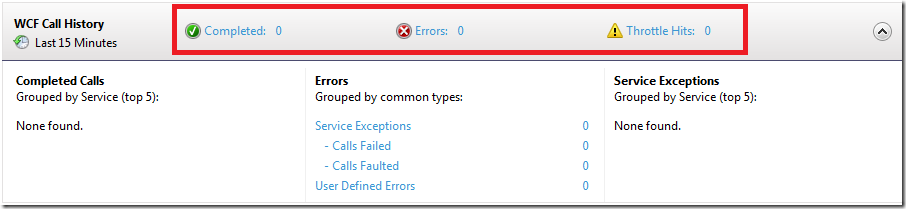
delete [AppFabricMonitoringDb].[dbo].[ASWcfEventsTable]
How to clean Persisted Instances?

To do this the easiest way is to use Delete Context Menu. This command will immediatelly delte instance from the store. All other commands will take a while.
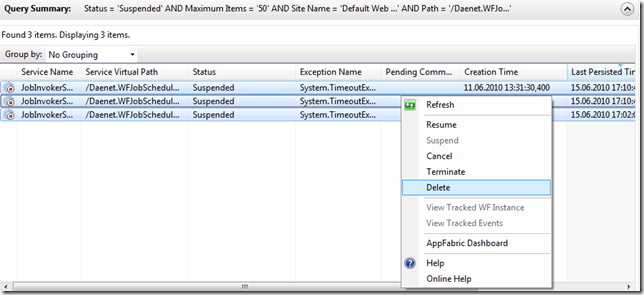
The hard way by using of T-SQL is:
delete [RootPersistenceDb].[System.Activities.DurableInstancing].[KeysTable]
delete [RootPersistenceDb].[System.Activities.DurableInstancing].[InstancesTable]
Posted
Jun 29 2010, 06:21 PM
by
Damir Dobric