While using of MS-Project to organize team projects in TFS you may noticed that field 'Start Date' and 'Finish Date' may be out of sync. That is, selected items can be initially properly exported from TFS to project and re-imported back to TFS. Unfortunately, after synchronizing of MS-Project with the TFS state, these value will be out of sync.
To Solve this problem I used "Proces Edititor", which is a part of TFS power tools.
1. Export project template from TFS
This is described in this post in Step 1.
2. Open the process editor
This is described in this post in Step 2.
3. Select MS Project Mapping node
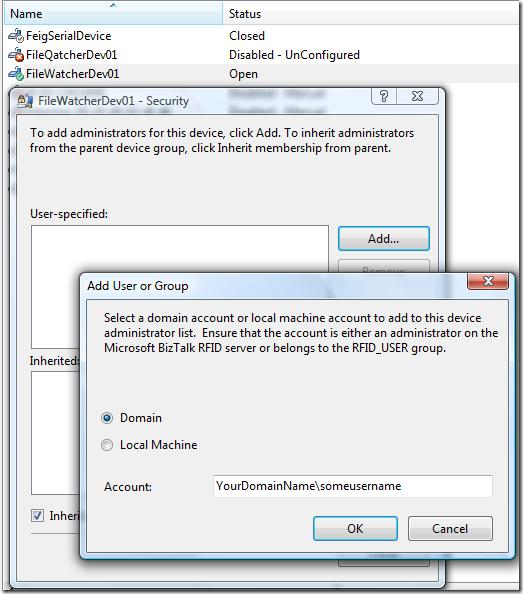
4. Unselect publish property
Open the line which defines the mapping of fields "Start Date" and "Finish Date" and unselect check box "Publish Date".
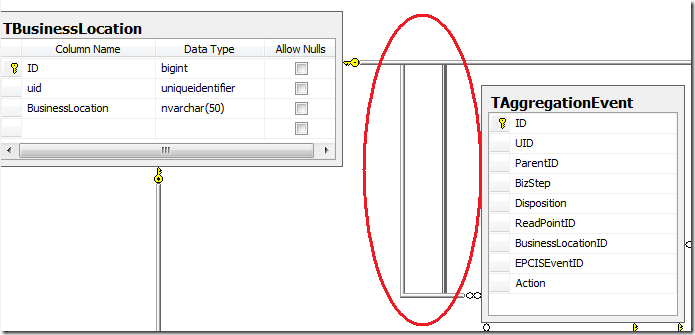
5. Save all changes
After saving
all changes are persisted in the file C:\...\ProcessTemplates\Your Template Name\Classification\FileMappings.xml
6. Import Project Template
By using of the form shown in 1, the changed project template can be imported. This ensures that all
new project used changed template. That is, all Bugs working items will have to new fields.
7. Updating Existing Projects
To update new mapping changes the tool TFSFieldMapping.exe can be used.
Here is an example:
TFSFieldMapping upload http://yourtfs:8080 DaenetProjects "C:\...\ProcessTemplates\Your Template Name\Classification\FileMappings.xml"
Posted
Jun 23 2008, 03:27 PM
by
Damir Dobric